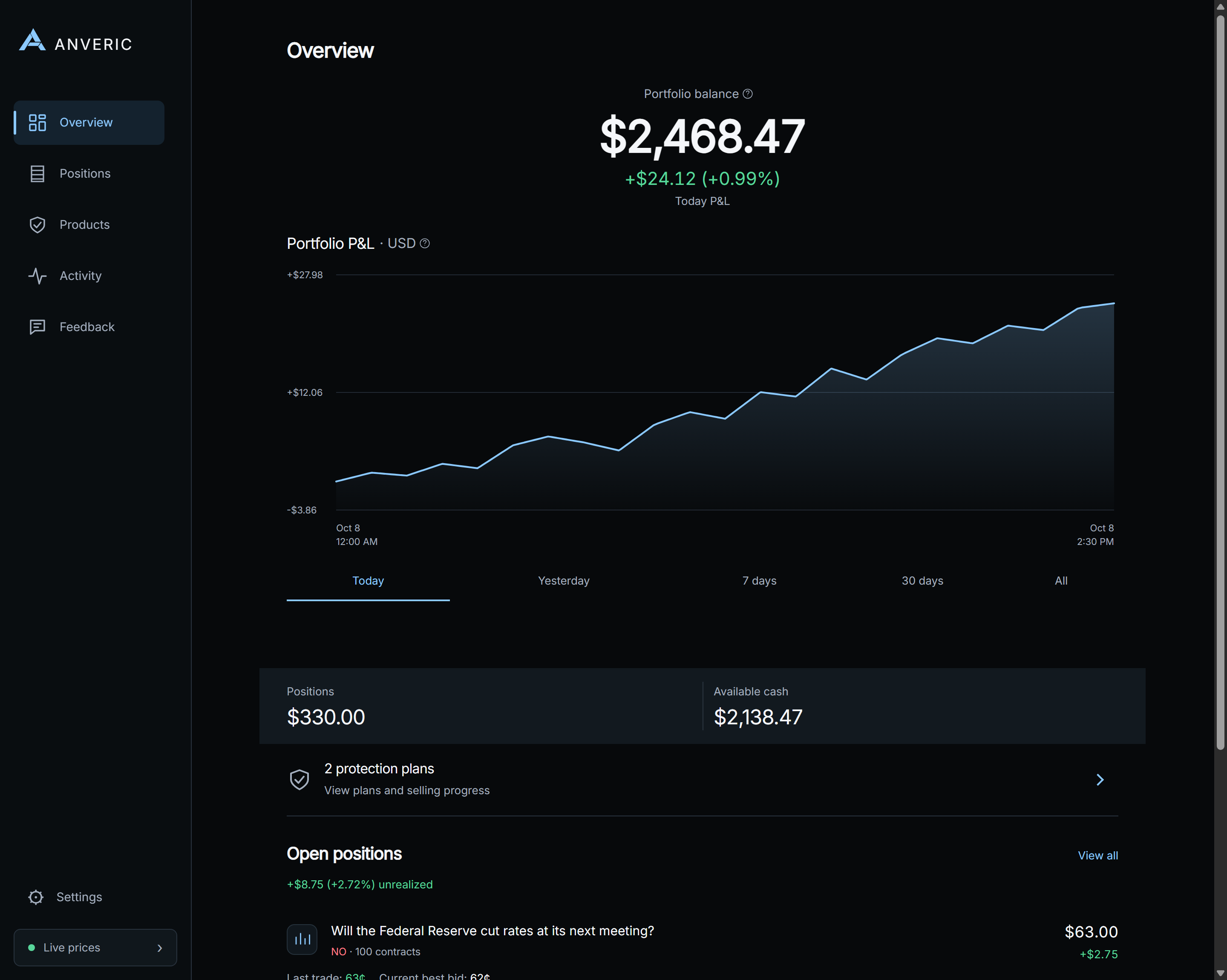
Start with the job you want help with: watching positions, knowing when something changes, or following an exit plan. Those are different needs, and a useful trading workspace should make the difference clear.
Three questions to ask before choosing a tool
01
Do you need information or action?
A portfolio view helps you follow holdings; an alert asks for your attention; an armed exit plan can submit a sale. Compare those capabilities separately. Anveric separates Watchtower monitoring from Sentinel execution.
02
Which conditions matter to you?
Consider price movement, a loss on one holding, a portfolio loss or a change in an individual combo leg. Shared rules save setup time, while custom conditions let you follow each position differently.
03
Where does the software run?
Check desktop requirements, phone support and who controls execution. In Anveric, Windows or macOS runs monitoring and Sentinel; the paired Android or iPhone app gives you a companion view and desktop-validated controls.
Anveric is designed for active traders who want a more organized way to monitor holdings, customize alerts and manage exit plans. You choose the markets and positions; Anveric does not make investment decisions for you.
Does Anveric run in my browser?
The website handles your account and subscription. Monitoring and Sentinel execution run in the Windows or macOS desktop app, which must remain awake, online and running. Android and iOS are paired companions, not separate trading engines.
What is available today?
Free accounts and desktop and mobile previews are available now. Trial license keys, downloads for Windows, macOS, Android and iOS, and purchases open Monday, October 26. Hawkeye and Oracle are in development.
Is Anveric affiliated with Kalshi?
No. Anveric is independent third-party software for Kalshi traders, not an official Kalshi product or investment-advice service.
What’s next
More context for your next decision.
Hawkeye and Oracle are in development for research and market context. Coming soon; not included in current subscriptions.
In development · Coming soon
Hawkeye™
Planned market research for order-book depth, liquidity, spreads and trading activity. Review a market before or after entry, once or on a schedule you choose.
In development · Coming soon
Oracle™
Planned AI-assisted summaries of possible market catalysts from sources you choose. News and social integrations are planned, with evidence distinguished from speculation.